It's that time again! Time for our super fun Baker's Dozen Studio Challenge! This is our monthly opportunity for the Taylored Expressions Design Team to share what makes our stamping studios run… Each month we have a crafty question so we can share our favorite tips and tricks with you! I LOVE this every month. I really look forward to getting the challenge from Taylor and then seeing what my amazing DT friends come up with on their blogs. Are you loving it too? I sure hope so!
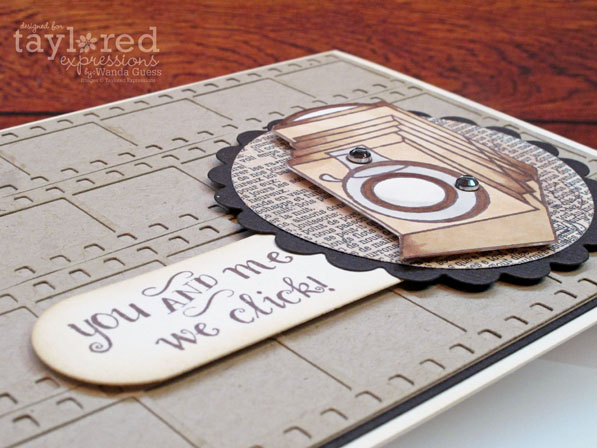
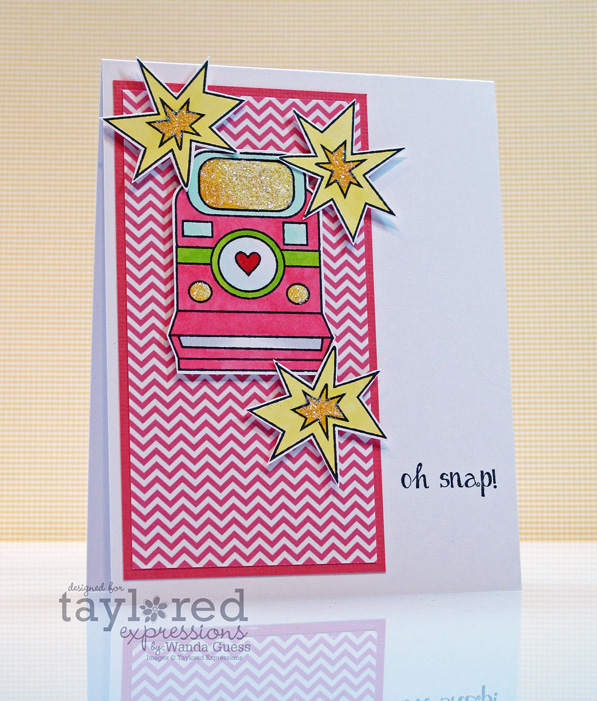
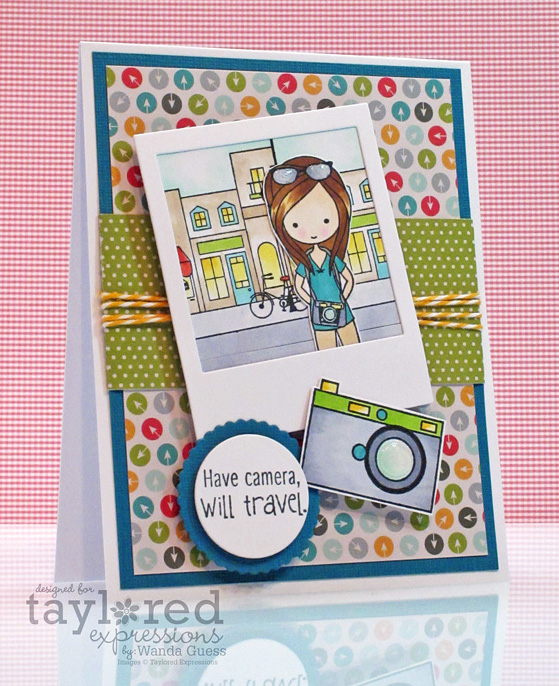
Our question for March is: "You ought to be in pictures!" We all love to share our completed projects with others on our blogs, and in various online galleries. So, when the stamping ends, the photography begins. This is a fun step for some, and a frustrating one for others. How do you take your blog photos?
Boy, where do I start with this topic!? LOL. I have been a photographer since I was 14 years old and I still keep in touch with my high school photography teacher! So, photography is actually my first creative love. That being said, taking photos of card projects is a whole different ball game. It took me a long time to figure out a system that works for me. I tried a light box for a while (CLICK HERE) and that worked really well. The down side was storing it and getting it out every time I wanted to take a photo. What I have finally landed on (for now) is just taking the photos on my work desk! Here is my SUPER fancy set up!

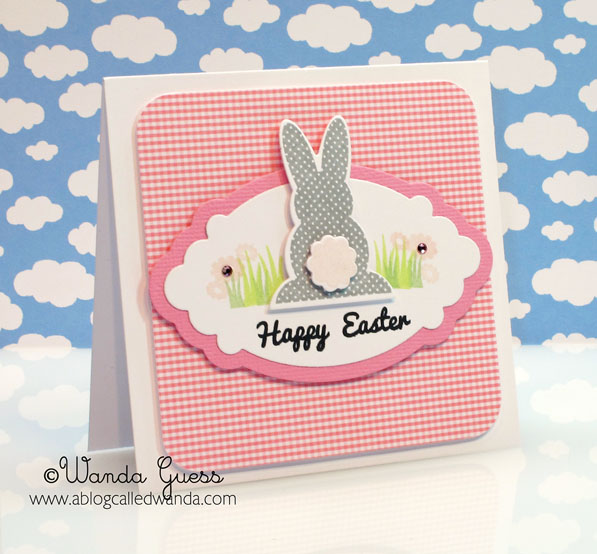
You can see in the above photo that I have an Ott lite there for some extra pop. On the left is a stack of papers I keep handy for backgrounds for my photos. The photo below is what the picture looks like straight from the camera with no cropping. I like to shoot back a ways and then I can crop later however I like.

And here is the cropped version of the photo above:
I use a Canon G11 Camera for all my photos. It's small so it fits in my purse or backpack and I always have it with me. It can be automatic or fully manual which I like a lot too. This has been my favorite camera I've ever had (and this girl has owned a lot of cameras!) I am currently in the (OCD) process of trying to choose a new camera because I've worn this poor one out!

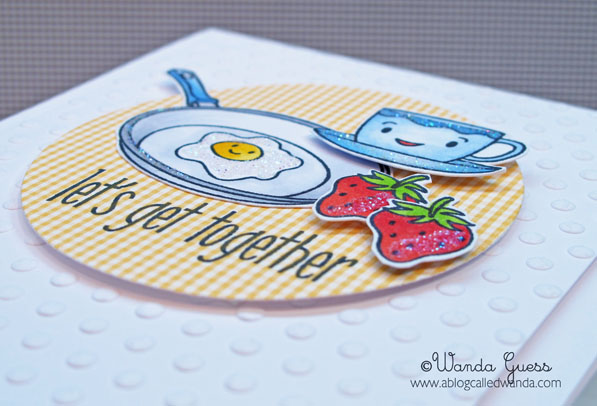
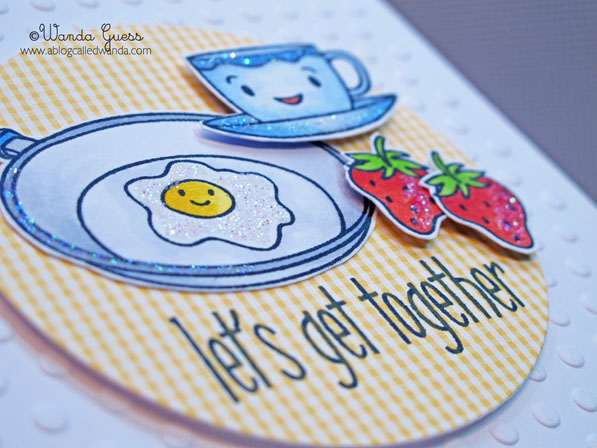
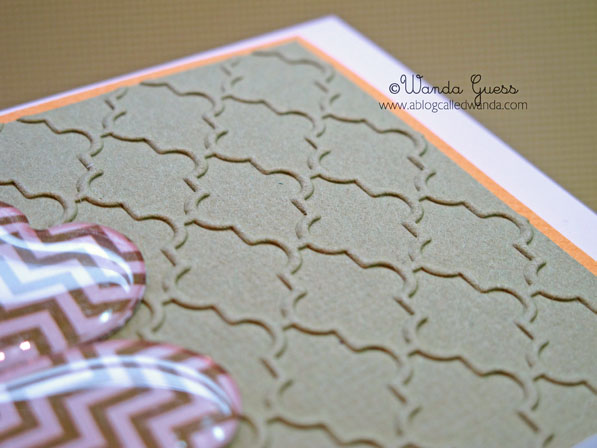
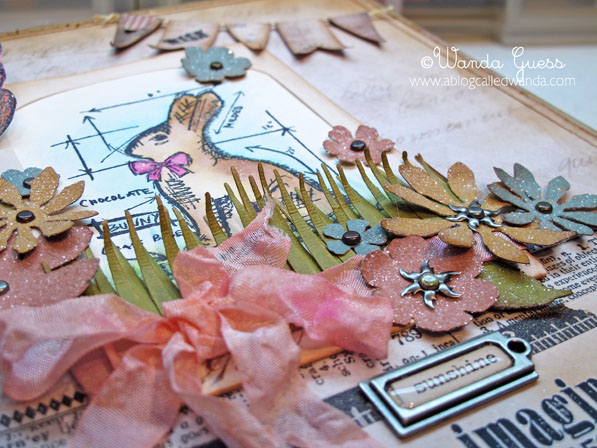
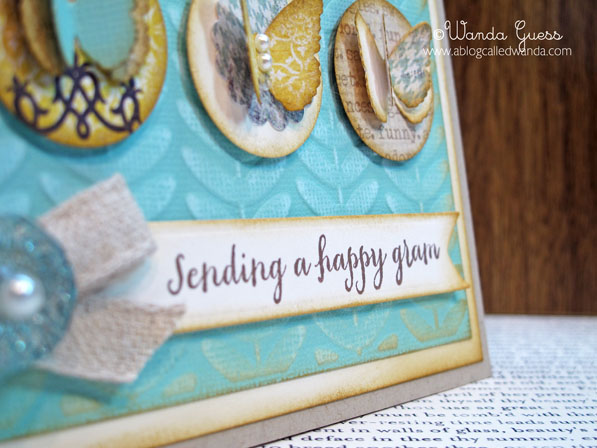
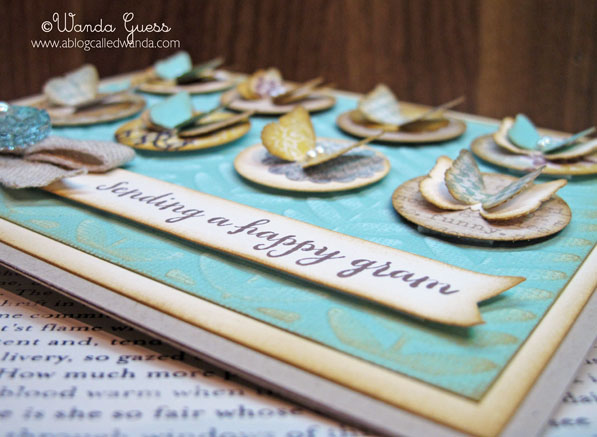
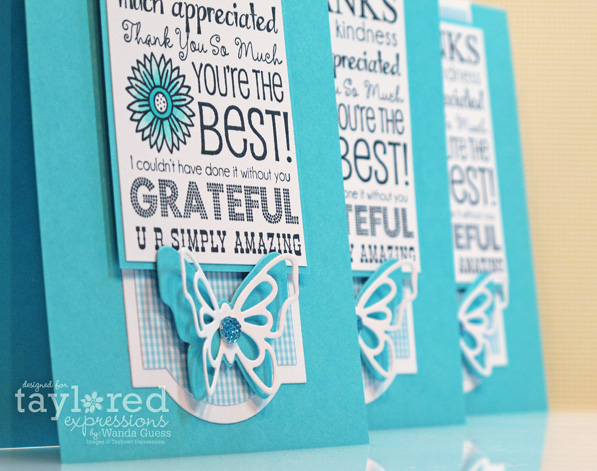
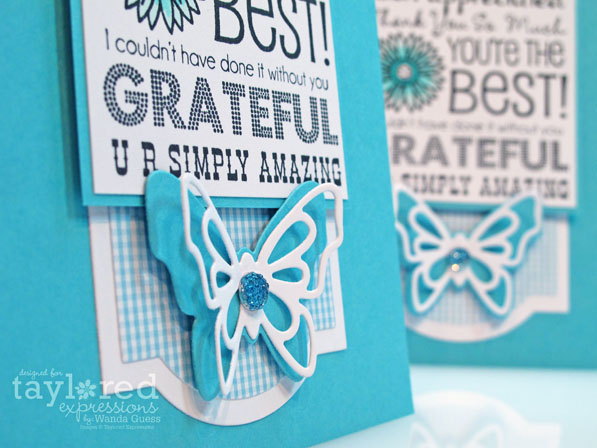
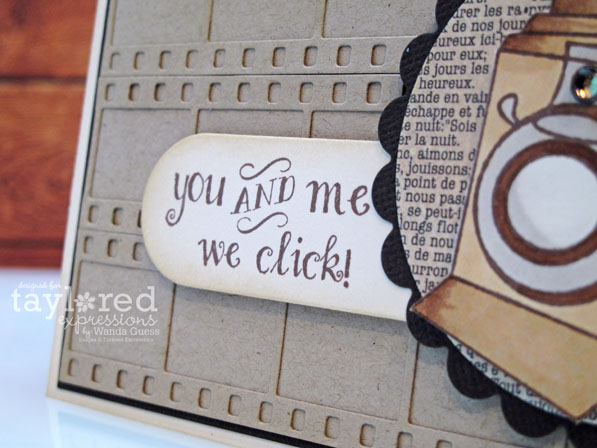
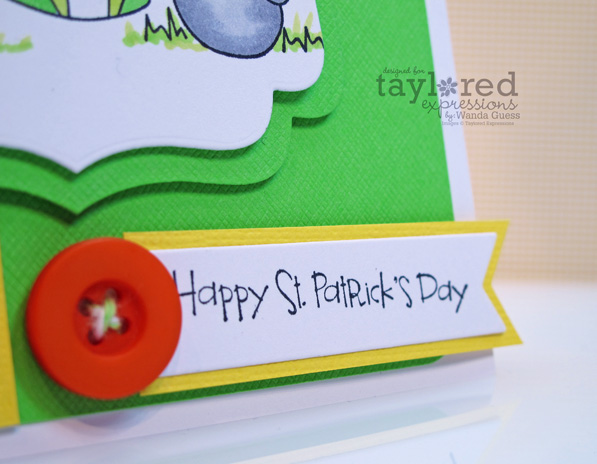
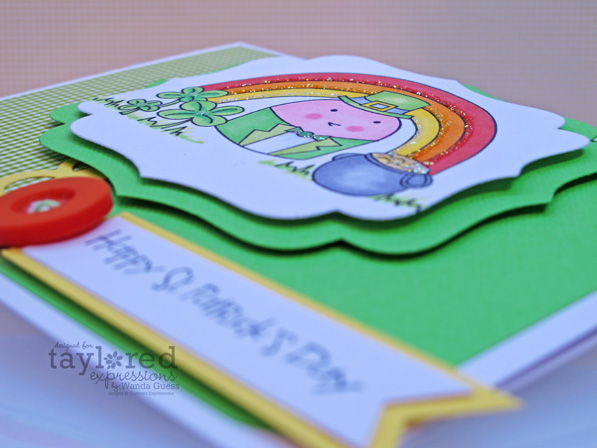
I like to take a couple of extra photos to show the side view and/or the layers in my card. Sometimes I know I want to see how a person made something, and I think this helps. It also helps me remember later!

Here are some card photo tricks and tips for you: 1. For 'funky' indoor lighting: Most cameras nowadays will allow you to adjust the "white balance" on your photos. Read your manual about this! Light is measured in temperatures…from cool to warm…and that is why our photos can have a "cast" on them and look yellow inside. 2. Try using your flash. Sometimes this is better, sometimes not, but it's worth trying. 3. Try taking your photos from farther away and then cropping them later. This will give you some latitude with the end product. 4. Have fun and keep trying!!
I edit my photos with Photoshop Elements 7, which came with my laptop many years ago. The software takes getting used to (at least it did for me). I add my watermark in Elements and also adjust the color to get my photo to match the 'real life' colors as much as possible. Many of the tips and tricks I learned about Elements came from watching Youtube videos!
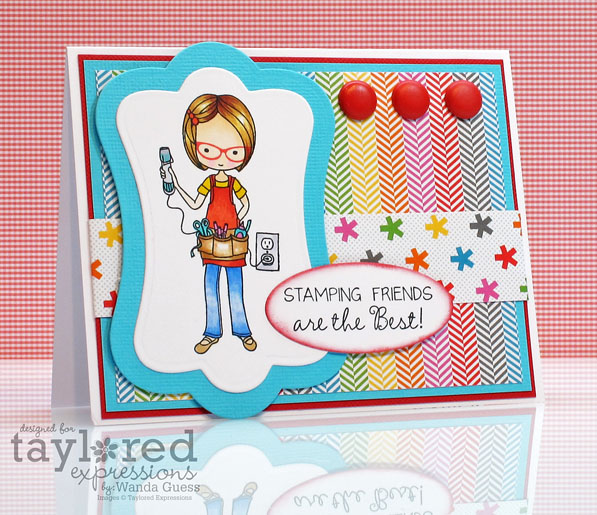
SUPPLIES: Moka Wanda Stamp Set, Labels Stacklets 3 Dies, Doodlebug Take Note Collection Papers and brads, Memento Inks and Copic Markers.
NOTE: All the papers and supplies I used today are from Doodlebug's Take Note Collection! Squeeee! We are doing a product partnership this month with our friends at Doodlebug and so you'll be seeing lots of this awesome, colorful paper on my blog in the next couple of weeks. I love it!
Here's your most awesome linky list for CHALLENGE DAY!
Carole Burrage
Charmaine Ikach
Jen Shults
Kerri Mchaud
Lynnette Kauffman
Sankari Wegman
Shannon White
Shelly Mercado
Stephanie Kraft
Tammie Edgerton
Taylor VanBruggen
Wanda Guess